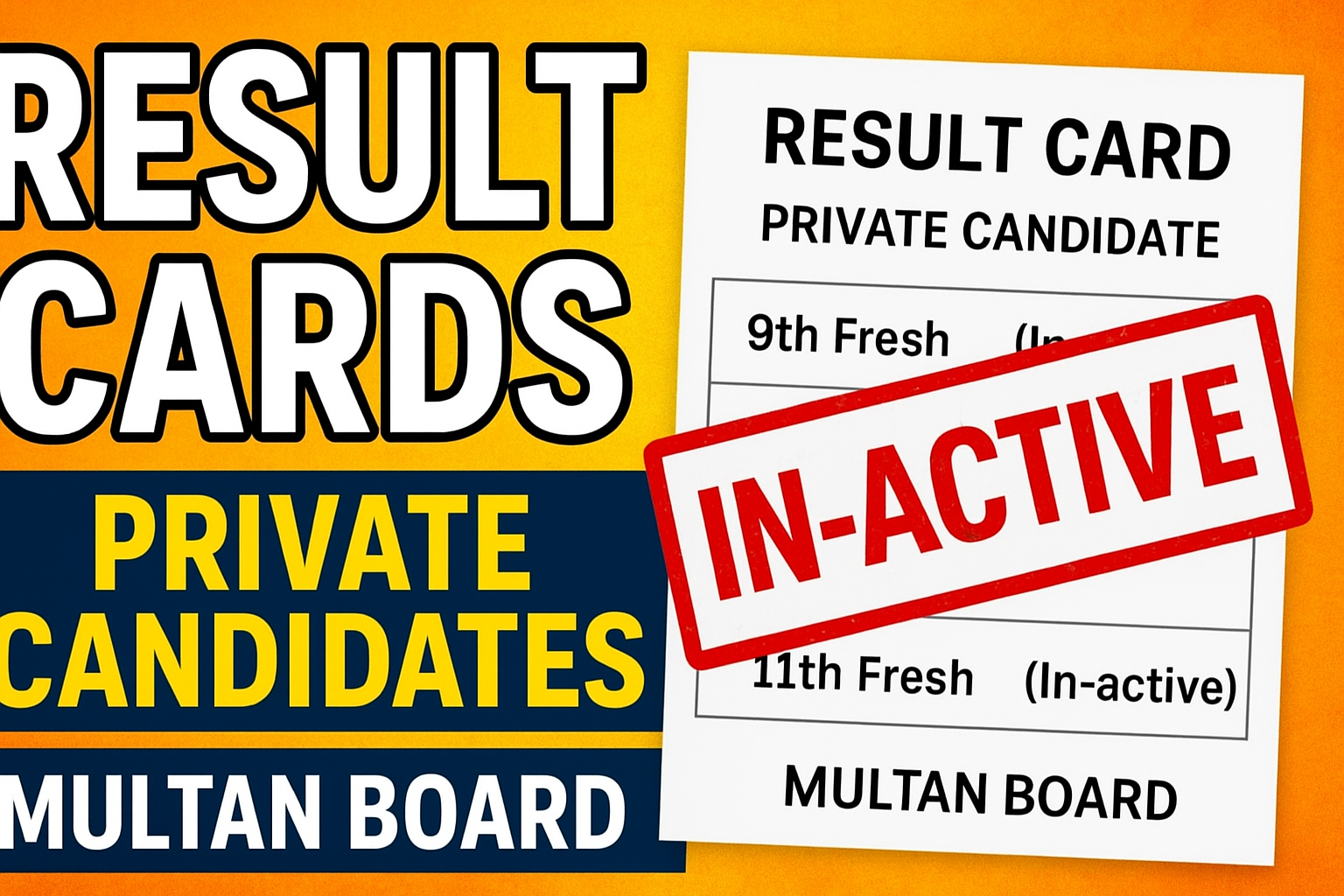
Waiting for your Result Cards (Private Candidates) from the Multan Board can be both exciting and nerve-wracking. Whether you appeared for the 9th Fresh or 11th Fresh exams, your result card is the official proof of your performance. Many students don’t know the exact process for receiving or verifying their result cards, especially if their status shows as In-active. This detailed guide will explain the process, common issues, and solutions so you can get your result card without stress.
Understanding Result Cards (Private Candidates) – Multan Board
The Result Cards (Private Candidates) for Multan Board are issued to those who register directly with the board instead of attending a regular institution. This is common for students who study privately at home, repeat a class, or improve their marks.
For 9th Fresh and 11th Fresh candidates, these result cards are generated after the exam results are announced. However, sometimes the online status may still display as In-active. This is not necessarily a problem — it often means the card is in the process of being updated or there are pending requirements.
Step-by-Step Process to Check & Download Your Result Card
- Go to the Official Multan Board Website – Use the official link to avoid fake portals.
- Navigate to “Result Cards – Private Candidates” Section – Usually under the “Examinations” tab.
- Select Your Exam – Choose either “9th Fresh” or “11th Fresh” from the dropdown list.
- Enter Your Details – Roll number, session year, and sometimes CNIC or registration number.
- Check Your Status –
- If it shows Active, click on “Download” or “View.”
- If it shows In-active, read the remarks if available.
- Print or Save – Always keep both digital and printed copies for future admission or job purposes.
Reasons Why Your Result Card Might Be In-active
- Pending Fee Payment – Even small dues can delay activation.
- Document Verification – CNIC, birth certificate, or academic records mismatch.
- Rechecking/Remarking in Process – If you applied for paper rechecking, the card remains inactive until completion.
- Technical Delay – Server updates or data entry backlogs at the board office.
- Incomplete Registration Information – Missing father’s name, date of birth, or photograph.
How to Resolve Inactive Result Card Issues
- Visit the Multan Board Result Branch – Bring your original CNIC/B-Form, roll number slip, and any fee challan receipts.
- Email the Board – Attach scanned copies of your documents and clearly mention your issue.
- Check Announcements – Sometimes, the board issues notices about result card delays.
- Submit a Correction Form – If your personal details are incorrect, you’ll need to apply for corrections before activation.
Why Your Result Card Is Important
Your Result Card (Private Candidate) is more than just a marks sheet — it’s your official proof for:
- Admission into the next class (10th or 12th).
- Applying for government and private sector jobs.
- Overseas education and visa applications.
- Scholarship eligibility.
Also Check: Guidebooks for Multan Board 11th Class Exams
Without it, you may face unnecessary delays in admissions and applications.
Final Advice for Private Candidates
Always keep a record of your registration details and fee payments. Check your result card status regularly after results are announced. If your card stays inactive for more than 2–3 weeks, contact the board immediately to avoid missing deadlines for admissions or applications.